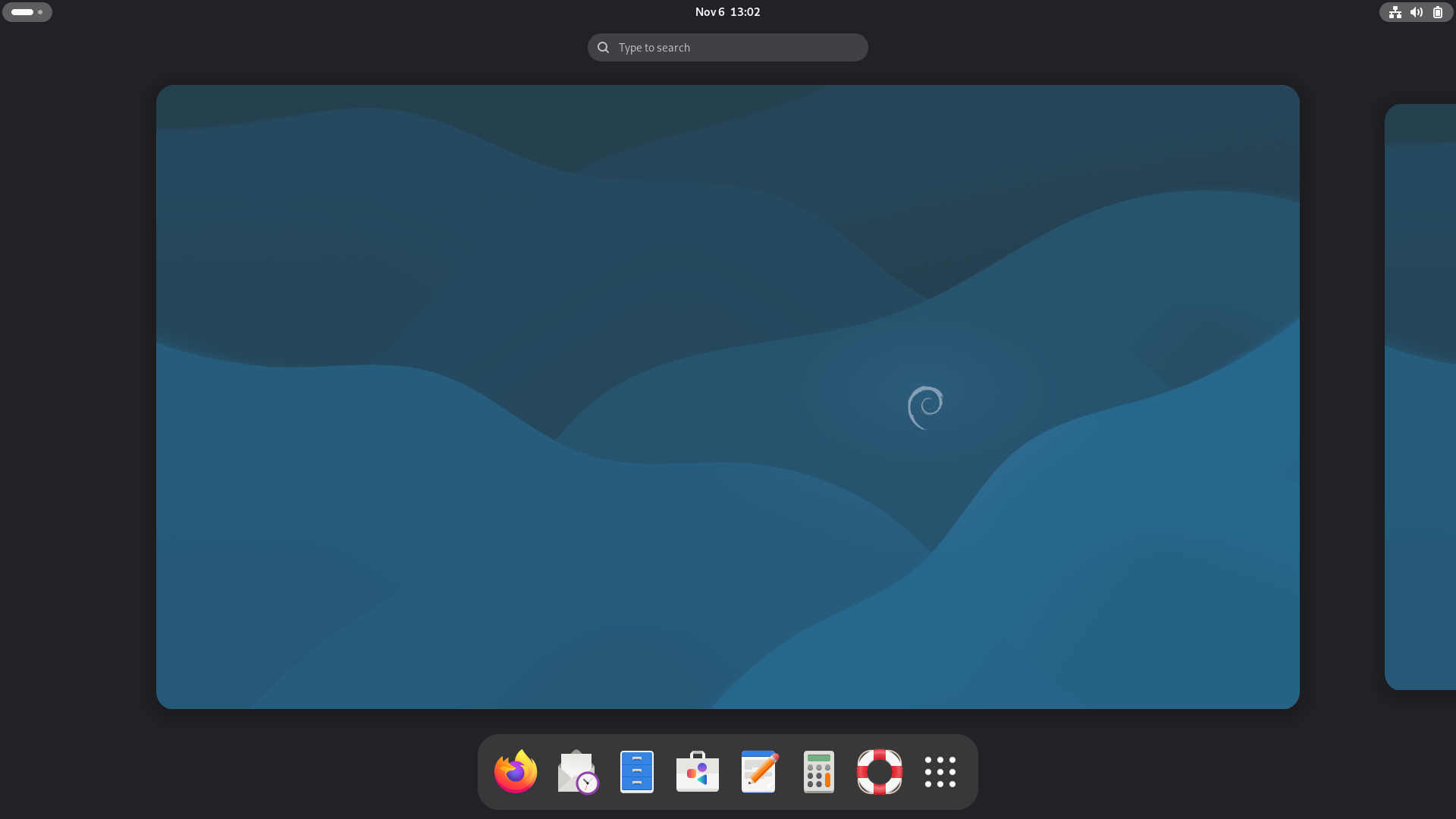
System login
2026-02-28
After installing the system, initialization information needs to be set for the first startup.
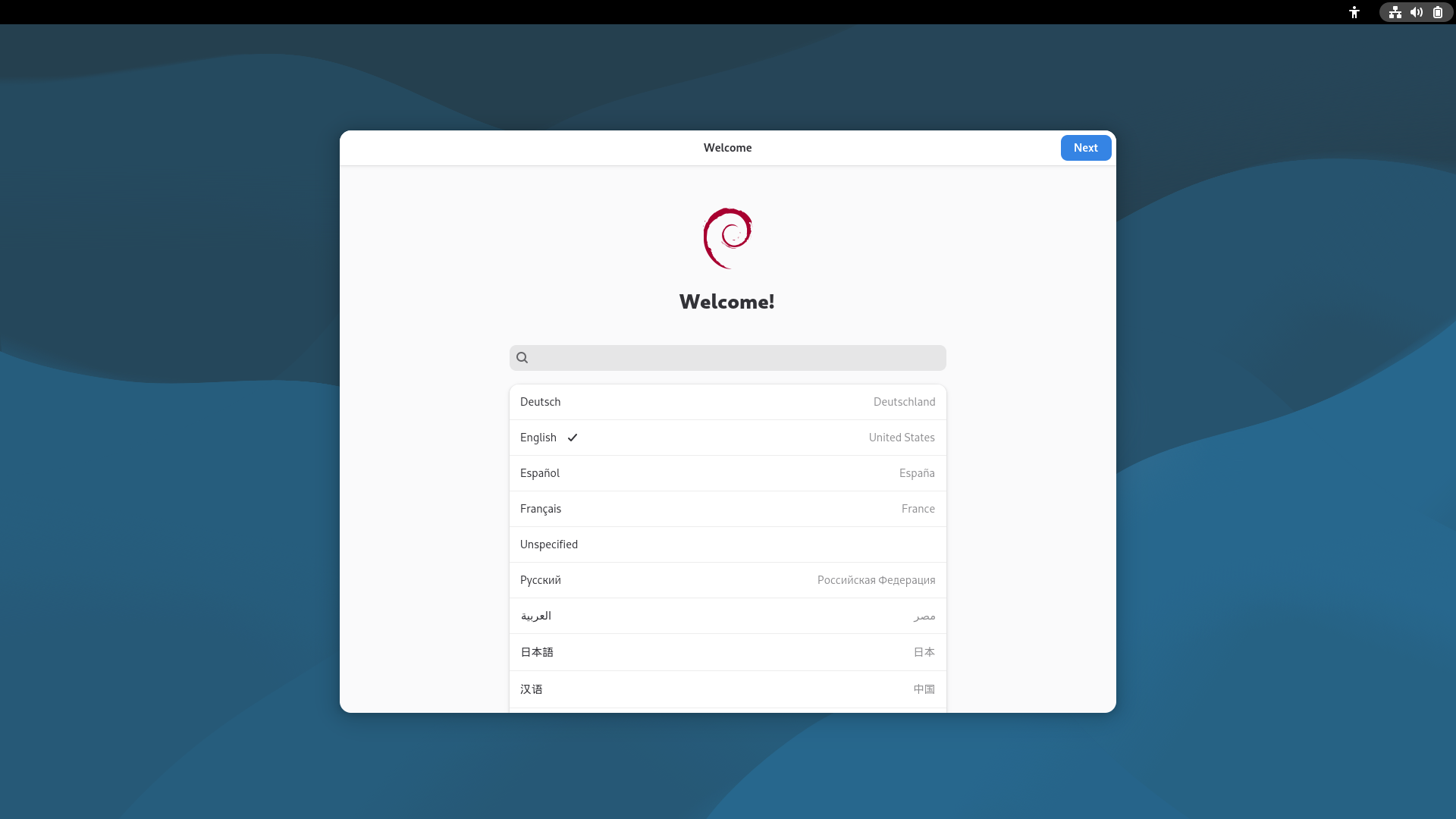
- Select a language.
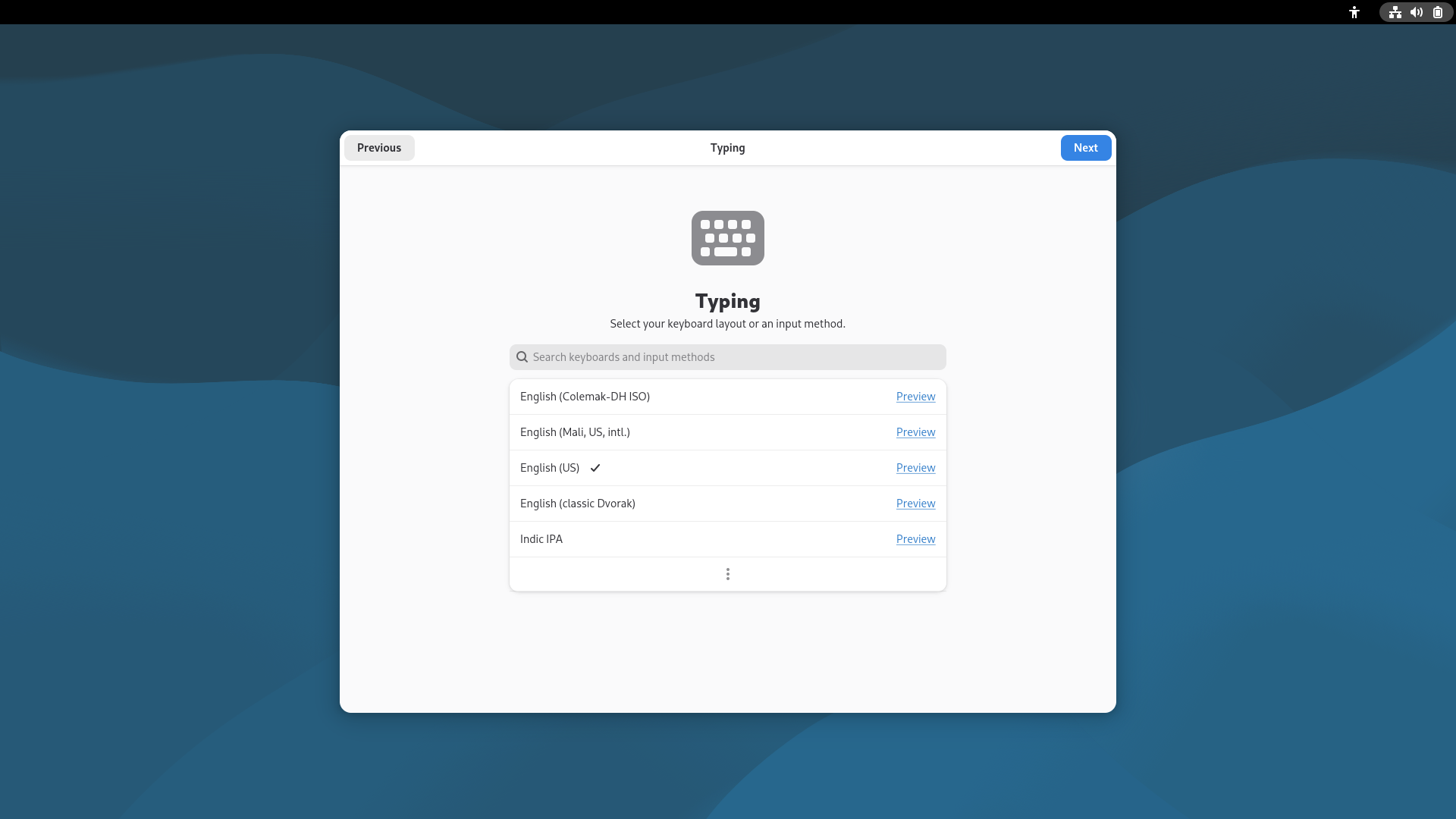
- Select an input method.
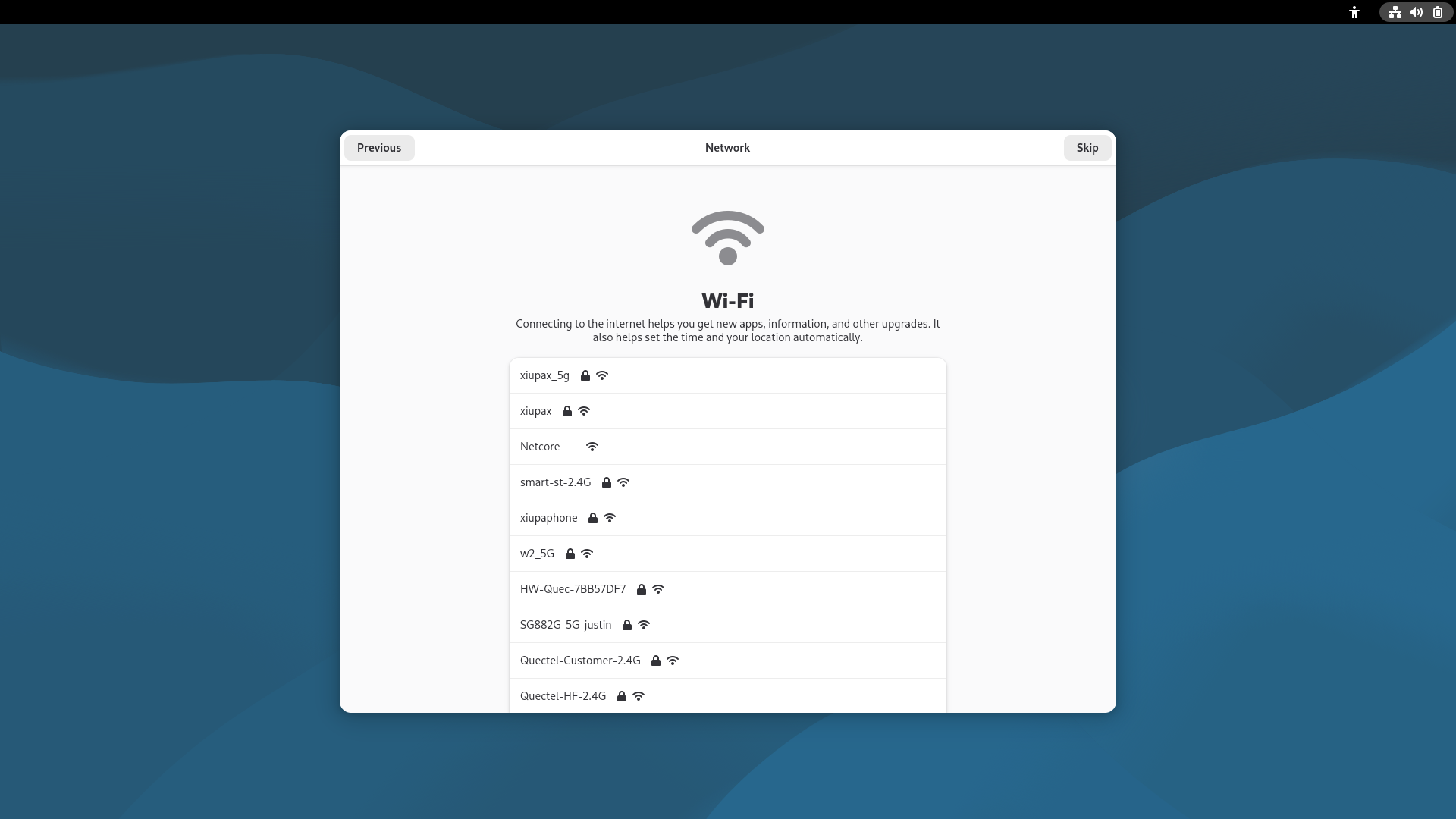
- Select a Wi-Fi connection. If you prefer not to connect now, click "Skip" in the upper‑right corner.
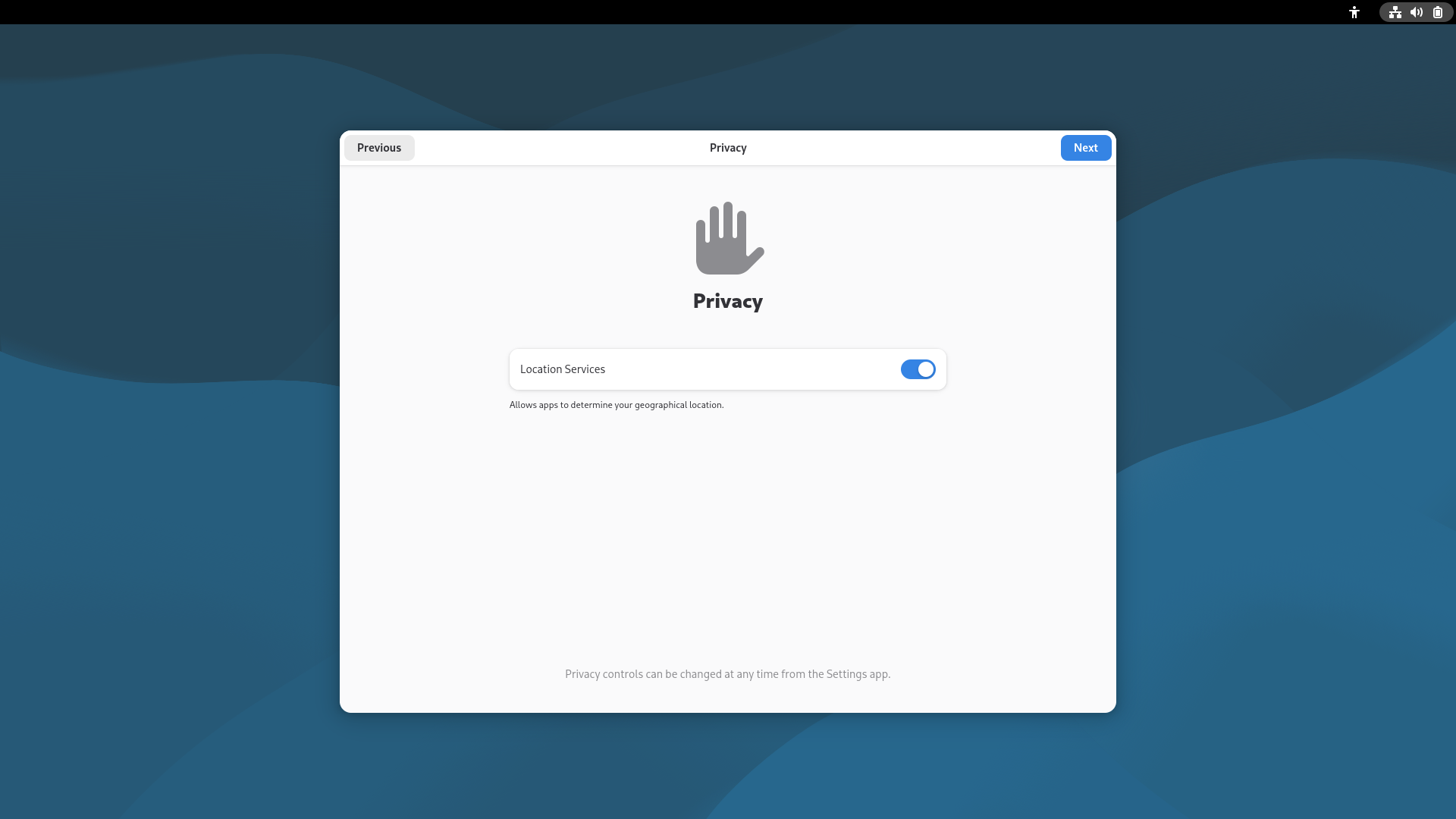
- Set location services.
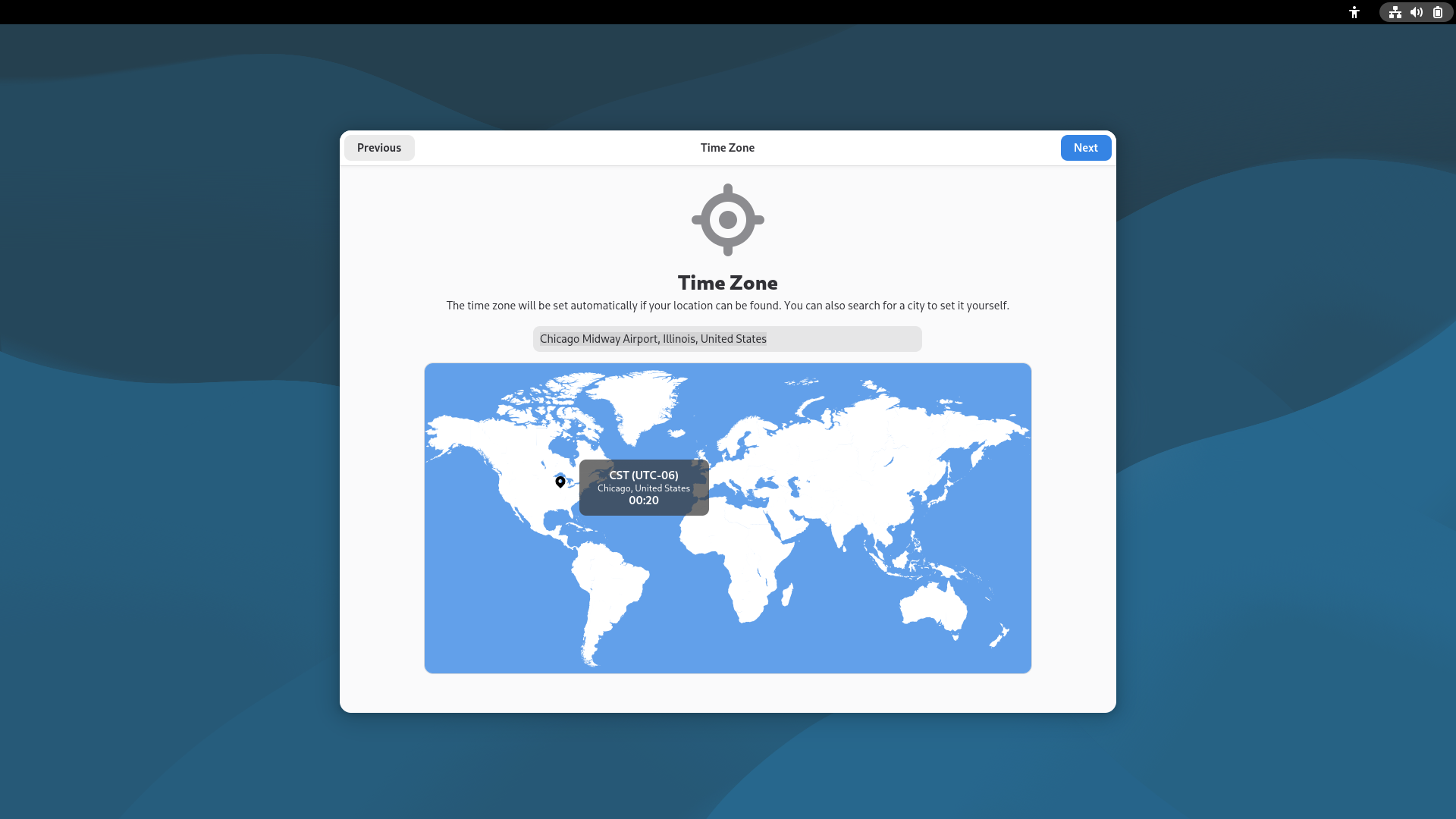
- Set the time zone.
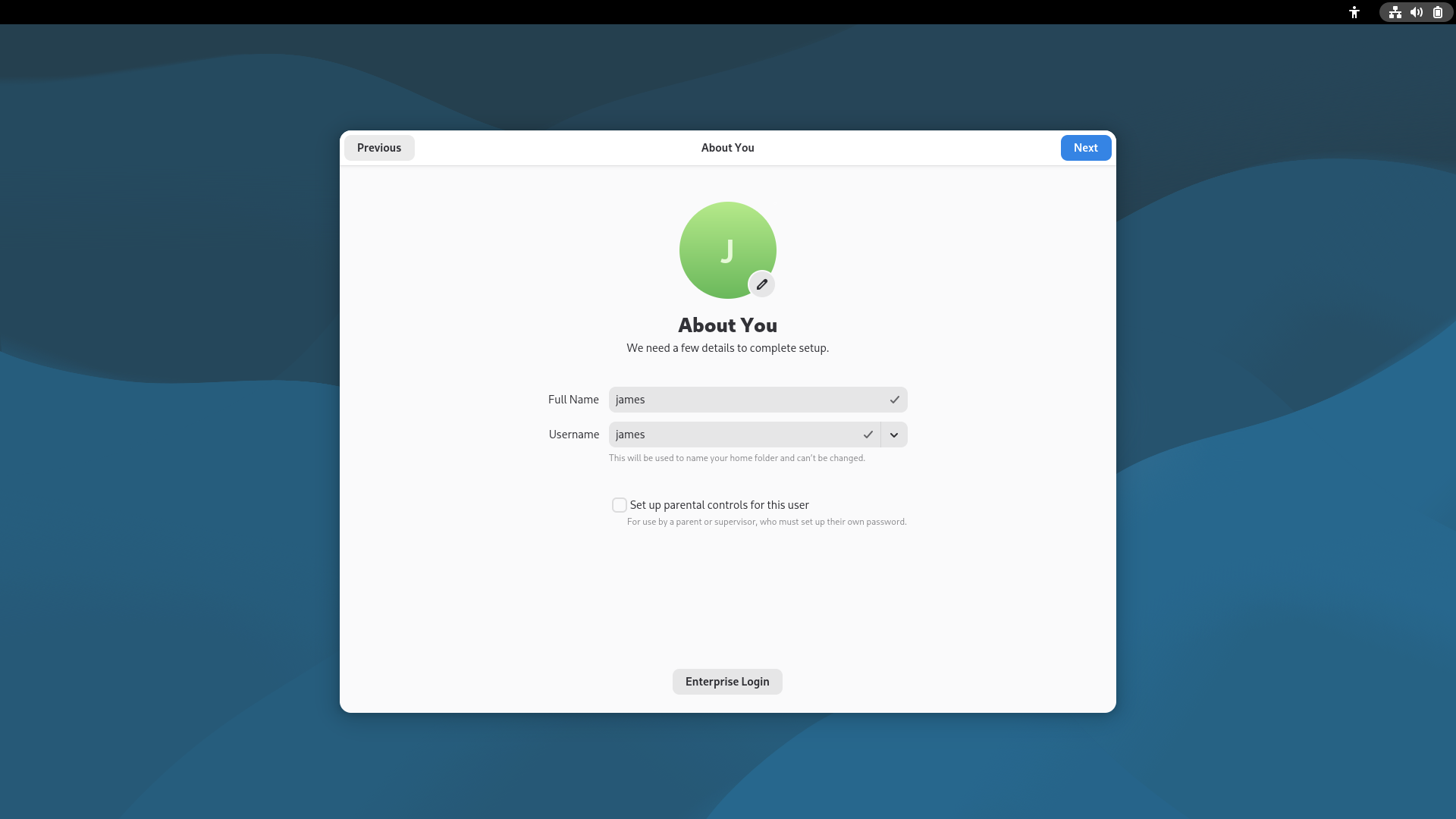
- Set a username.
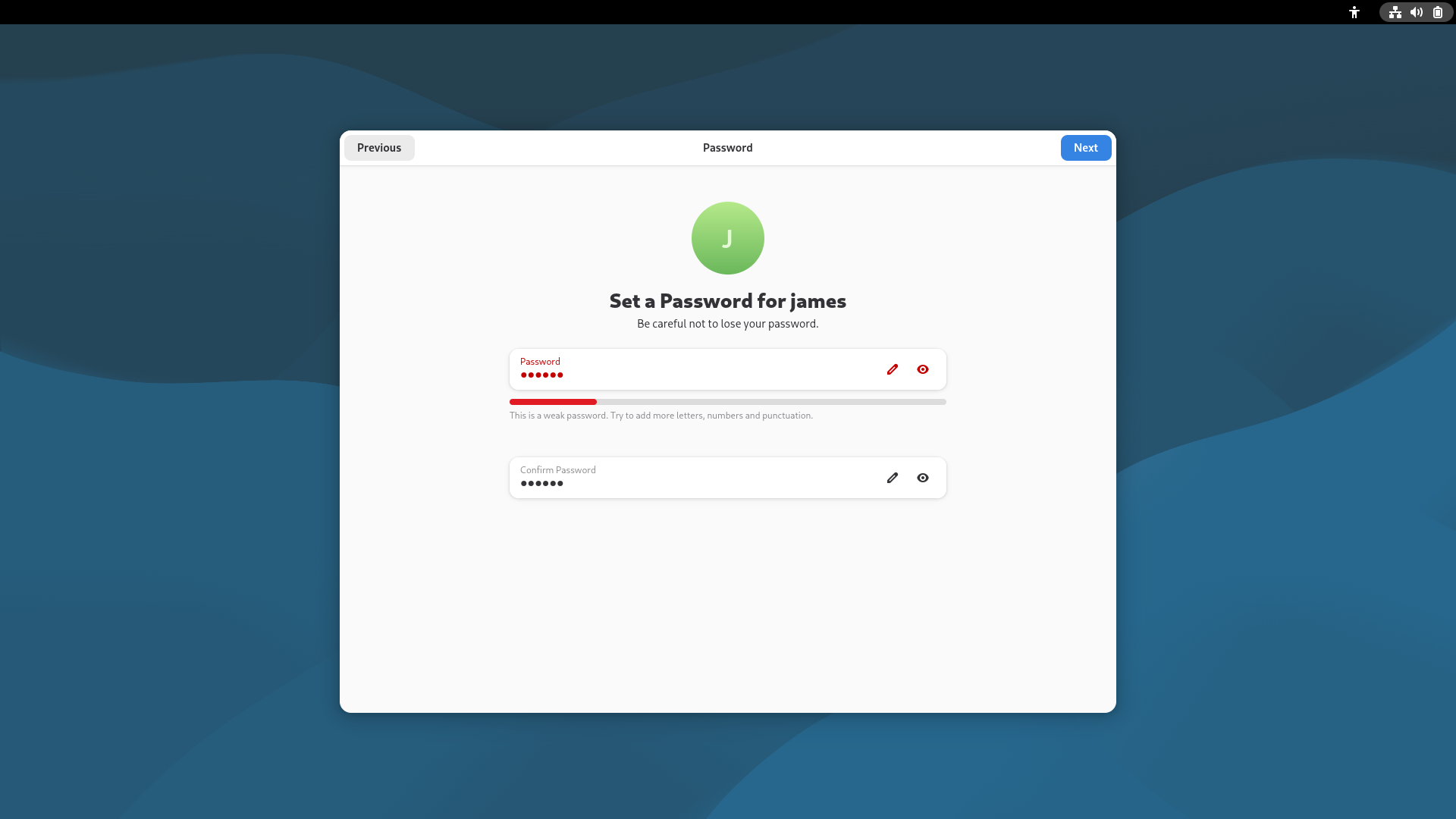
- Set a login password.
Note
Please make sure to remember your username and password for the next login.
Please make sure to remember your username and password for the next login.
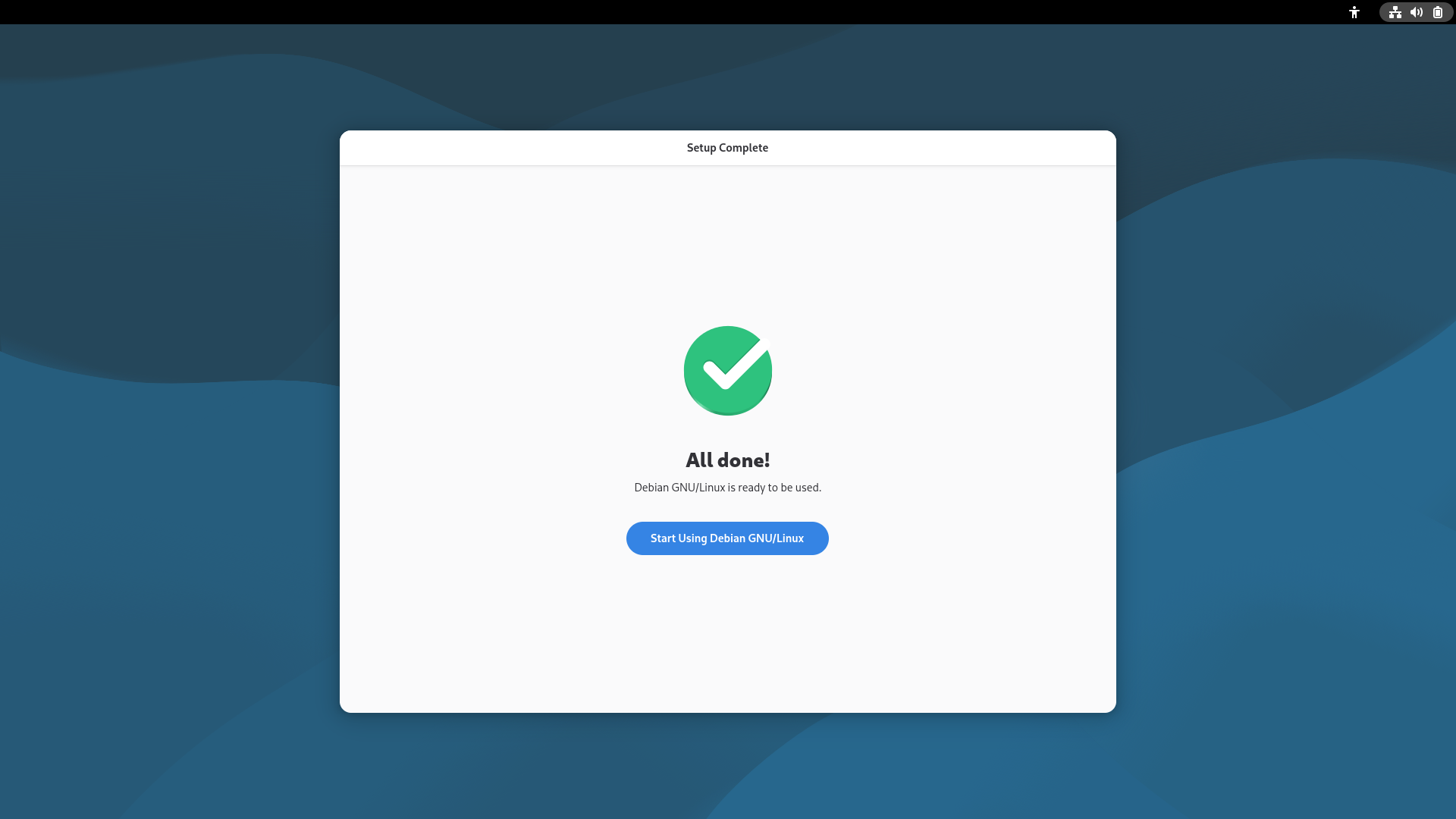
- Initialization settings completed.
After logging in, the desktop will appear as shown in the figure below: