
Software update
Software repository configuration
The configuration files of software repositories are generally saved in the following locations:
/etc/app/sources.list: Main repository
/etc/app/sources.list.d/*.list: Additional repository
At present, the Debian system of the Quectel Pi H1 single-board computer only has one main repository, and additional repositories can be added according to demand in the future.
pi@QuectelPi :~$ cat /etc/apt/sources.list
deb  https://mirrors.tuna.tsinghua.edu.cn/debian  trixie main
In the command above, trixie is the operating system codename. For details, you can query it with the following command:
pi@QuectelPi :~$ grep VERSION_CODENAME /etc/os-release
VERSION_CODENAME=trixie
China repository mirror
Please execute the following command to use the Debian repository image provided by a third-party:
The availability and download speed of third-party mirrors are maintained by their respective providers. Quectel cannot guarantee their stability.
Package management tool
It can be installed through the terminal command line apt tool.
As shown in the following figure, click the corresponding icon in sequence to enter the terminal command window:
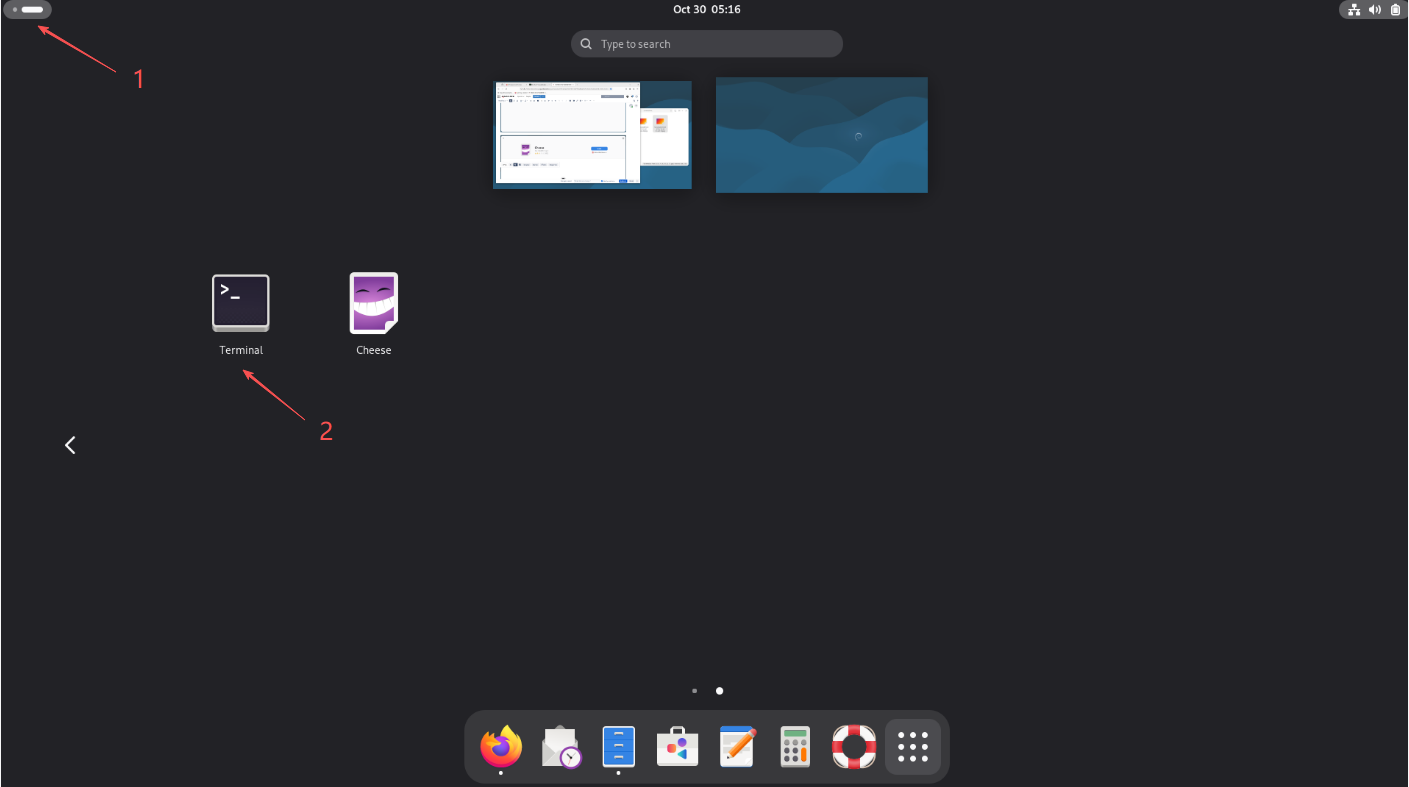
Some commonly used commands are as follows:
Update repository configuration:
sudo apt update
Upgrade all installed software packages:
sudo apt upgrade
Install a new software package:
sudo apt install <package-name>
Uninstall software packages:
sudo apt remove <package-name>
View information on installed software packages:
sudo apt show <package-name>
Search for software packages:
sudo apt search <package-name>
List all installed software packages:
sudo apt list --installed
Installation of deb package
Please refer to Efficiency and Office chapter for the installation method of the deb package.
Software mall
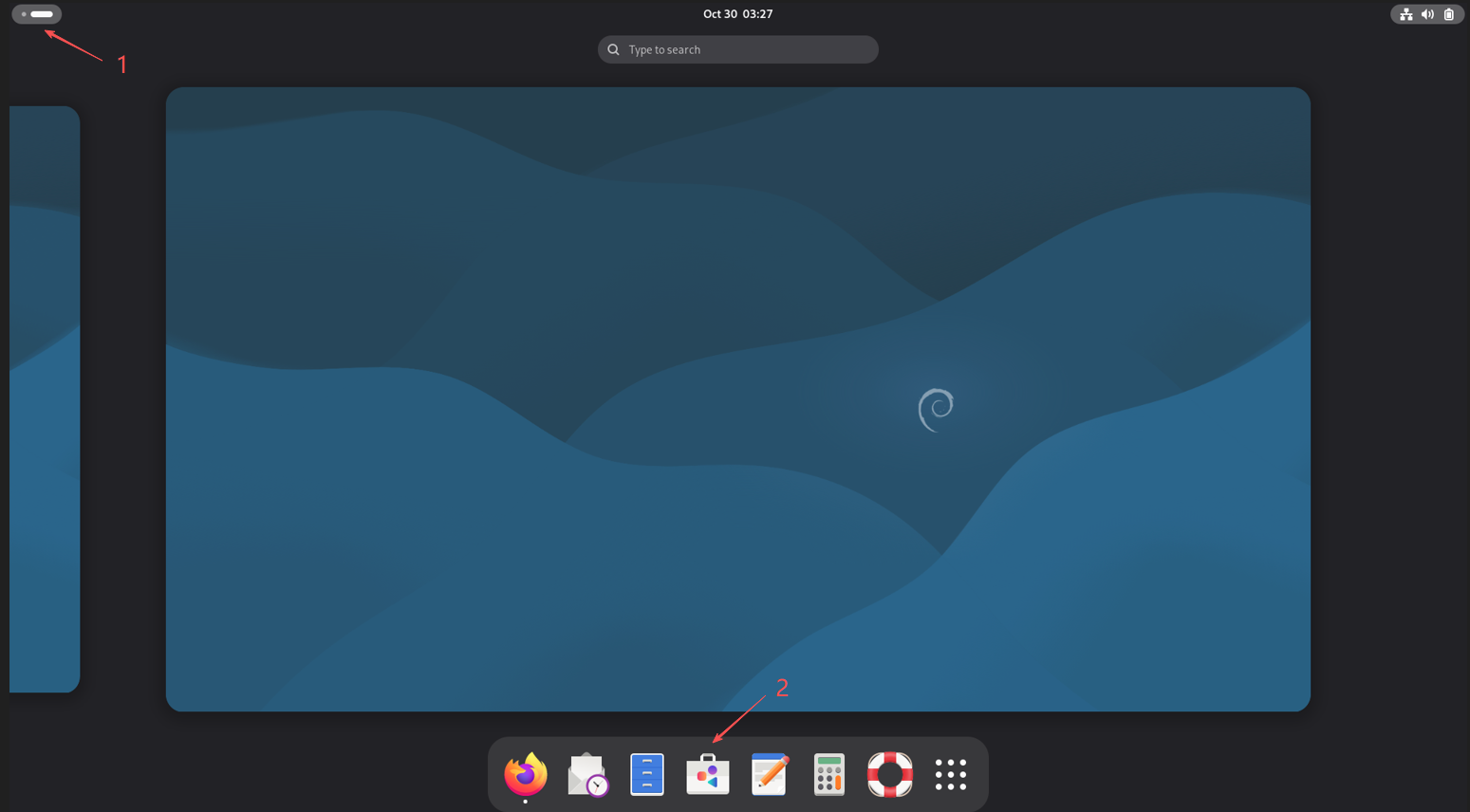
Click on the desktop icons in the sequence shown in the figure below to enter the software package app. You can click on the search box to find the corresponding software package and proceed with the installation.
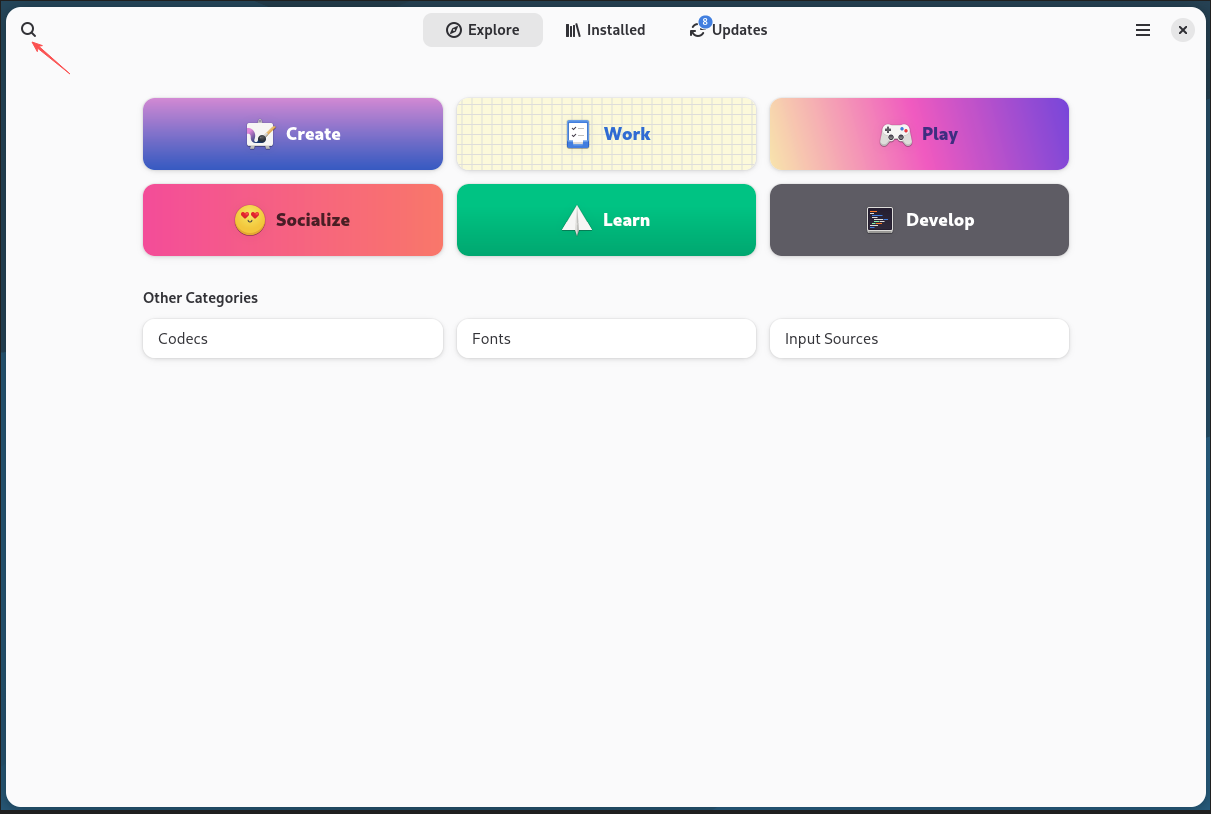
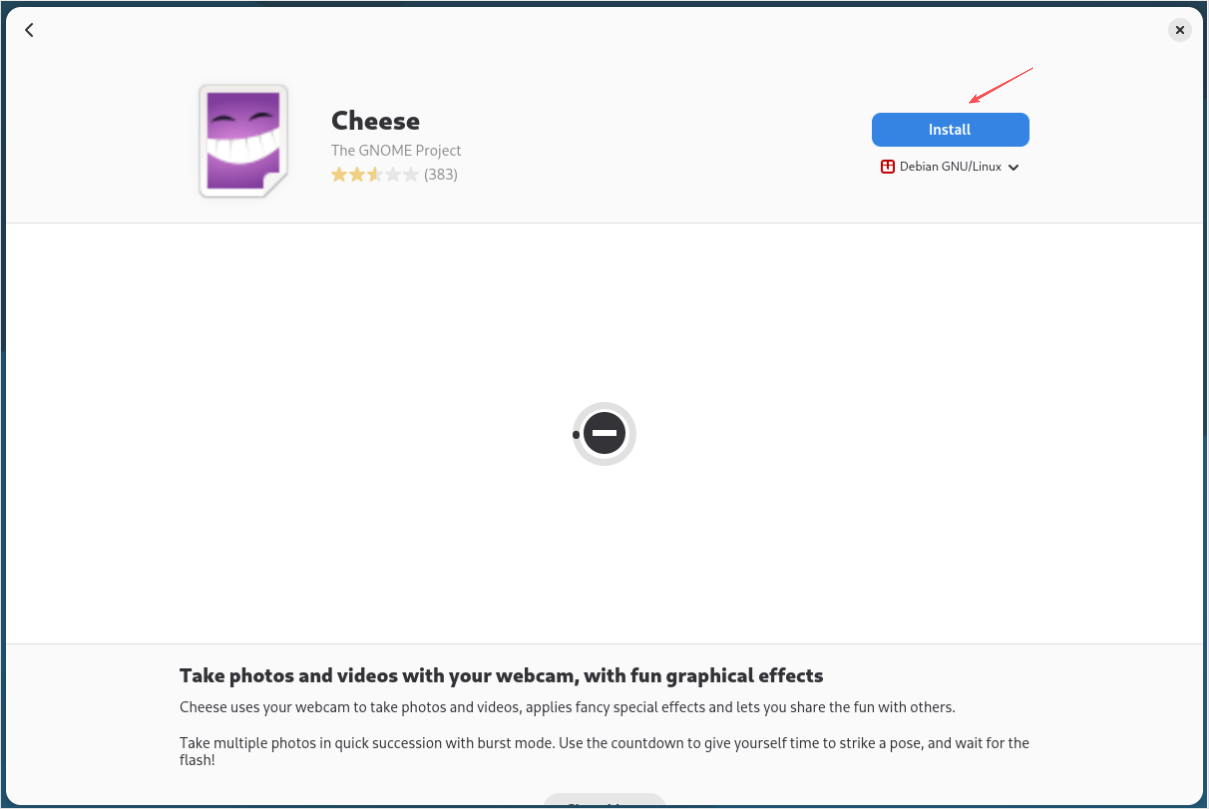
The installed app can be viewed by clicking "Installed" button at the top.
Upgradeable app can be viewed by clicking "Updates" button at the top.