wx图形界面开发
2026-05-19
wxWidgets是一个开源的跨平台图形界面库,提供C++、Python、Ruby、Lua和Perl接口,下面是基于Python开发图形界面APP的步骤演示。
环境准备
sudo apt-get update -y
sudo apt install -y python3-wxgtk4.0
代码编写
import wx
import sys
import os

class ImageViewerFrame(wx.Frame):
    def __init__(self, parent, title, image_path):
        super().__init__(parent, title=title, size=(800, 600))
        self.panel = wx.Panel(self)
        self.image_ctrl = wx.StaticBitmap(self.panel, wx.ID_ANY)
        self.sizer = wx.BoxSizer(wx.VERTICAL)
        self.sizer.Add(self.image_ctrl, 1, wx.EXPAND | wx.ALL, 10)
        self.panel.SetSizer(self.sizer)
        self.load_image(image_path)

    def load_image(self, file_path):
        try:
            image = wx.Image(file_path)
            self.image_ctrl.SetBitmap(wx.Bitmap(image))
            self.SetTitle(f"IMAGE VIEWER - {os.path.basename(file_path)}")
            self.panel.Layout()
        except Exception as e:
            wx.MessageBox(f"IMAGE LOADING FAIL:{str(e)}", "ERROR", wx.OK | wx.ICON_ERROR)
            self.Close()

class ImageViewerApp(wx.App):
    def OnInit(self):
        if len(sys.argv) < 2:
            wx.MessageBox("USAGE:python3 test.py <image file path>", "ARG ERROR", wx.OK | wx.ICON_WARNING)
            return False

        image_path = sys.argv[1]
        frame = ImageViewerFrame(None, title="IMAGE VIEWER", image_path=image_path)
        frame.Centre()
        frame.Show(True)
        return True

if __name__ == "__main__":
    app = ImageViewerApp(False)
    app.MainLoop()
运行
python3.13 test.py <image file path>
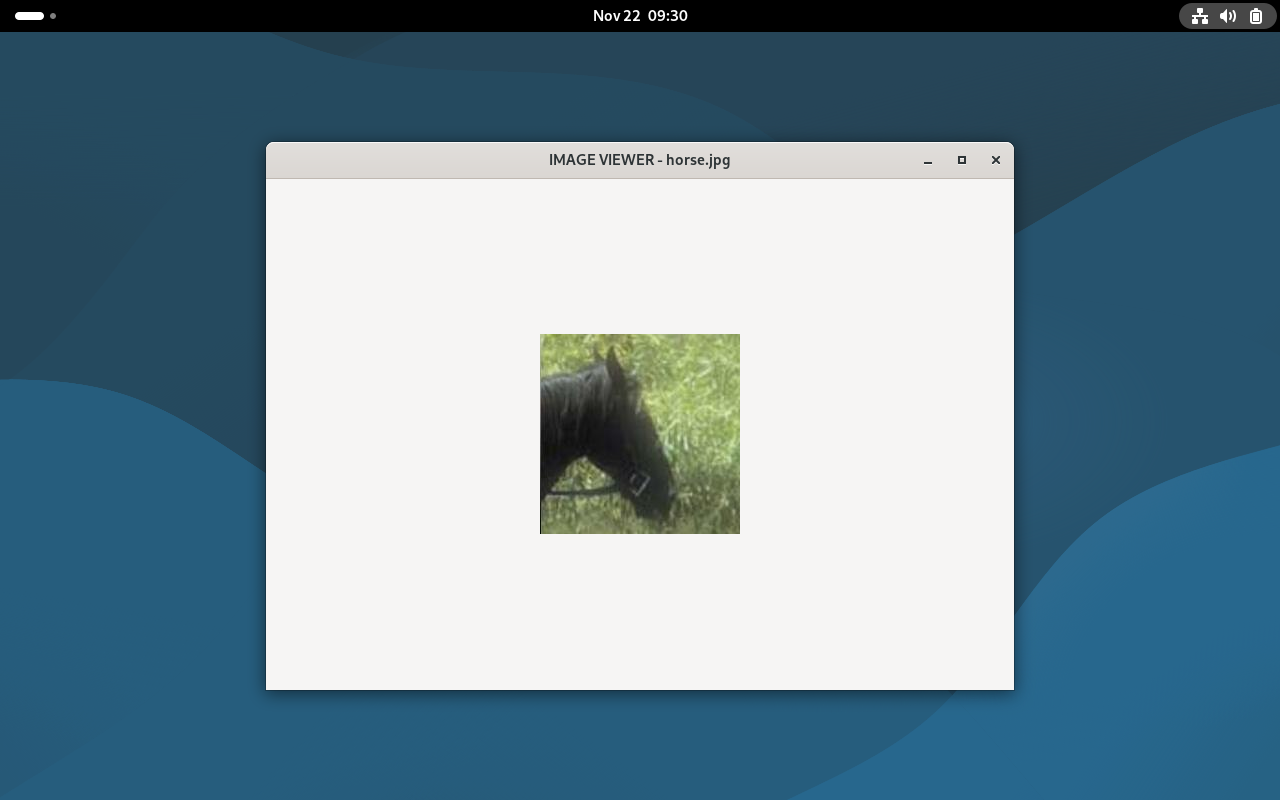
运行结果