
Development kit
Quectel Pi M1 is a smart single-board computer launched by Quectel based on the Qualcomm SM6115 platform. It features an octa-core 64-bit Kryo™ processor (4 × A73 @ 2.0 GHz + 4 × A53 @ 1.8 GHz) and a Qualcomm Adreno™ 610 GPU, 4 GB LPDDR4X + 64 GB eMMC storage, a USB Type-C power interface, and supports LTE Cat 4, Wi-Fi 2.4 & 5G, IEEE 802.11a/b/g/n/ac, and Bluetooth 5.0. It also supports LCM or Micro HDMI display. With its powerful performance and rich multimedia functions, it meets the needs of customers in industrial and consumer applications for high speed, multimedia capabilities, and computing power.
The Quectel Pi M1 integrates a rich set of interfaces, greatly expanding its applications in the M2M field. It can be widely used in edge computing, robotics, industrial control, multimedia terminals, digital signage, smart security, and industrial-grade PDAs, covering all sectors of the AIoT field.
The Quectel Pi M1 supports Linux/Android operating systems (The Debian/Ubuntu operating system is currently under development), meeting the needs of most algorithm prototype verification and inference application development.
Kit introduction
| Category | Accessory name | Image | Quantity | Core specifications/purpose |
|---|---|---|---|---|
| Core hardware | Quectel Pi M1 smart single-board computer | 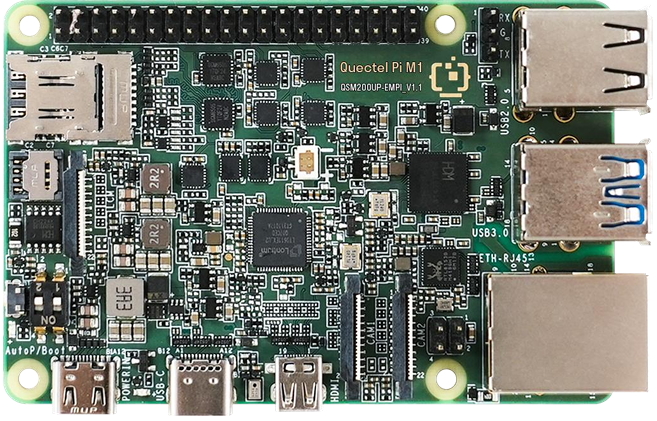 |
1 | Featuring an octa-core 64-bit Kryo™ processor and a Qualcomm Adreno™ 610 GPU, along with 4 GB of LPDDR4X RAM and 64 GB of eMMC storage, it handles the core functions of computing and peripheral control. |
| Power accessories | USB-A power cable | 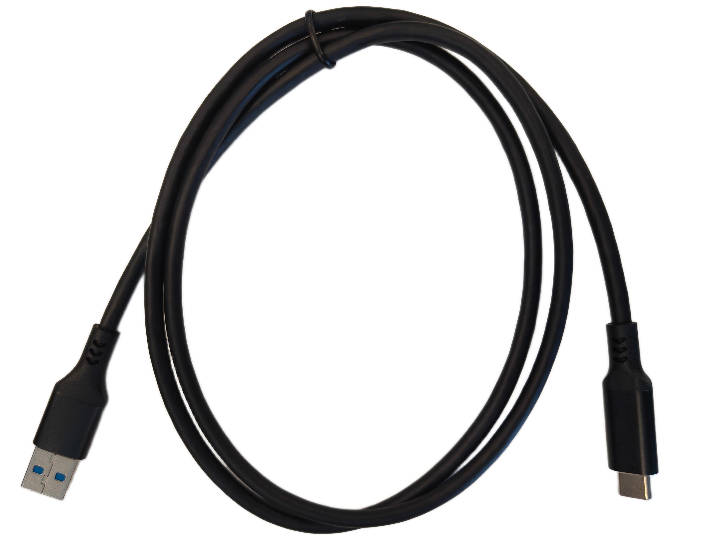 |
1 | 5A output, 1 m cable length, USB-A (male) to USB-C (male), compatible with recommended power adapters. |
| Display accessories | Micro HDMI cable | 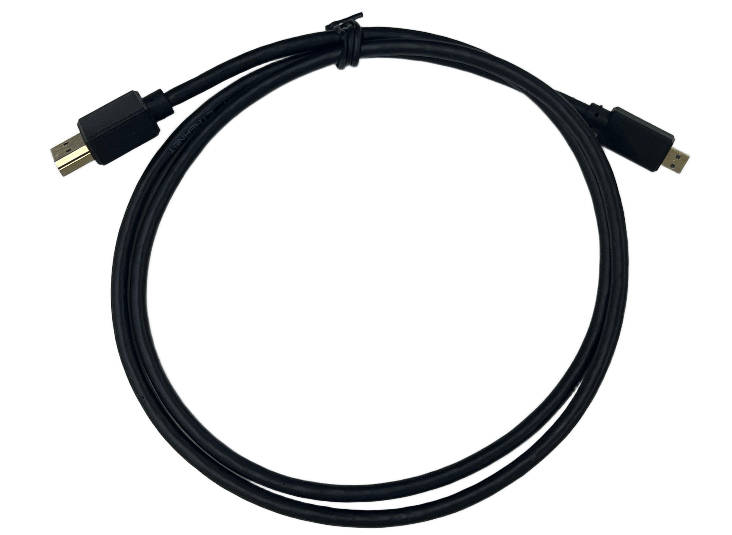 |
1 | Micro HDMI 2.0 specification, 1 m cable length, compatible with traditional HDMI display devices. |
| Network accessories | Gigabit Ethernet cable | 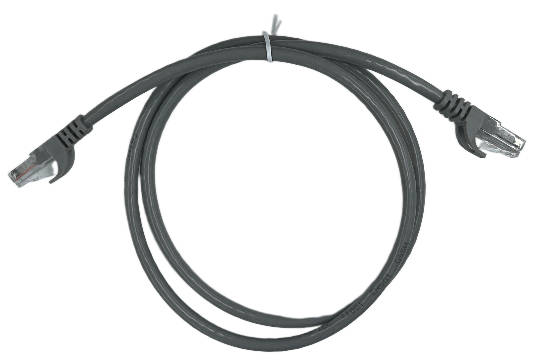 |
1 | 1 m cable length, supports gigabit rate data transmission. |
| Imaging accessories | IMX219 HD camera (with cable) | 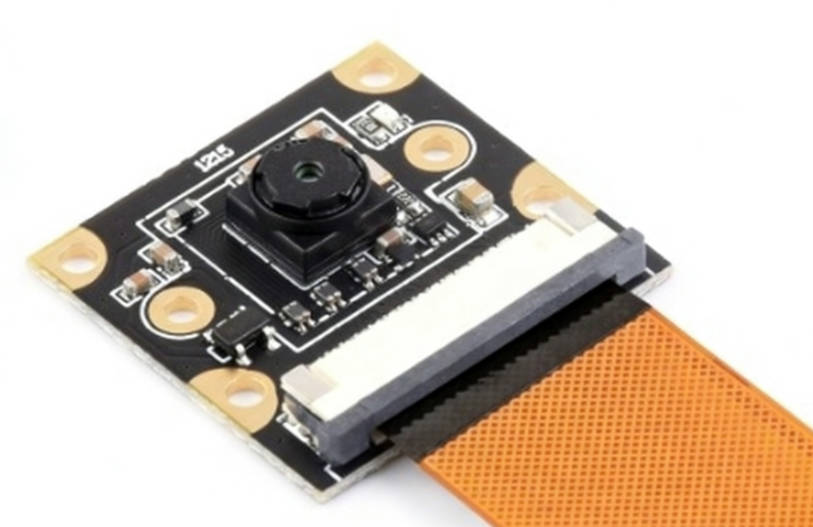 |
1 | 8 MP, MIPI-CSI interface, 120° field of view, supports image capture and open source library calls. |
Hardware resources
The hardware resources of Quectel Pi M1 are mainly used for hardware selection, schematic design reference, and quick connection of peripherals or interfaces.
Software resources
Document resources
The Quectel Pi M1 boasts a comprehensive documentation ecosystem, with official resources available to support everything from hardware design and firmware development to system integration.
You can obtain core technical information through the following channels:
- Official resource center: All the latest hardware documents (such as schematics, PCB layout guides), firmware, drivers, and tools for Quectel Pi M1 can be obtained from the Official Website Download Page. Please filter and download according to the specific model and version.
Getting started with development
Introduction to Android development:
If you need to develop applications, set up the environment, debug the system, or implement basic functions for the Android system, you can refer to the detailed guide document Android basic development. This document covers the complete process from environment configuration to initial debugging.
Q&A
Common issues
| Issue | Troubleshooting steps |
|---|---|
| Smart single-board computer cannot power on | 1. Check if the power adapter meets the requirements of 5V/5A, 9V/3A or PD fast charging protocol; 2. Check if the AUTO_POWER_ON pin header is shorted. |
| No signal or black screen on display | 1. Confirm the display input source is correctly selected; 2. Check if the DSI cable or Micro HDMI interface is tightly connected. |
| Camera not recognized | 1. Check if the camera cable is inserted in the correct direction; 2. Check if the cable is plugged tightly. |
| No network connection | 1. Check if the network cable is plugged tightly; 2. Confirm the router is connected to the internet; 3. Check if the board has obtained an IP address normally. |
Kit maintenance
Board protection: When the board is not in use for extended periods, wrap with dust bags to prevent dust from covering chips; avoid squeezing during transportation to prevent board component detachment.
Documentation and firmware updates: Obtain the latest specifications, system images and driver updates for the kit through Resource download.
Resource acquisition and development support
Forum technical support
Quectel Developer Forum is a professional platform for IoT developers, providing one-stop support for technical resource lookup, development problem solving, and practical experience sharing for Quectel Pi M1 development kit users.
Resource updates
Resource updates is the core entry point for obtaining resources and performing system maintenance in the Quectel Pi M1 development kit. It provides comprehensive support for developers. They can obtain the latest firmware, USB drivers and other basic resources of the kit here for version upgrades, system recovery and daily maintenance. Before downloading, it is recommended to check the compatibility of the resource version with the kit model and follow the release notes to execute the update process to ensure a safe and stable upgrade process.
Product summary
The Quectel Pi M1 development kit can efficiently assist developers in rapidly building IoT products with a clear core path: Visit Quectel Developer Website to obtain complete technical documentation and sample code for the kit, laying the foundation for development; With forum support to solve development problems in real time, and through the resource download entry to ensure firmware updates and system stability; Integrating website resources, documentation guidance and code references can significantly shorten the cycle from development debugging to product launch, accelerating the rapid construction and iteration of IoT products.