Display configuration
This document mainly introduces various system configuration methods for the Quectel Pi M1 smart single-board computer under the Android system.
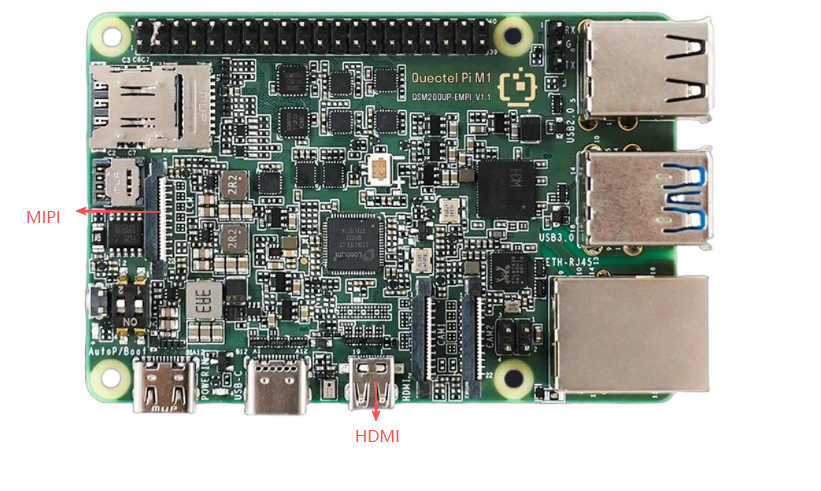
Quectel Pi M1 provides display interfaces including Micro HDMI and MIPI. The Micro HDMI interface supports hot plugging, while the MIPI interface does not support this feature.
Screen rotatation
Execute the following commands via ADB tools to rotate the screen:
adb root    # Switch to root user
adb shell setprop persist.panel.orientation 90  # Rotate the screen 90 degrees
adb reboot     # Reboot
DPI size adjustment
Execute the following commands via ADB tools to adjust the screen DPI:
adb shell wm density   # View current DPI size
adb shell wm density 320  # Set to 320 DPI
adb shell wm density reset    # Restore default DPI
For detailed display configuration, please refer to MIPI and HDMI chapters.
Audio settings
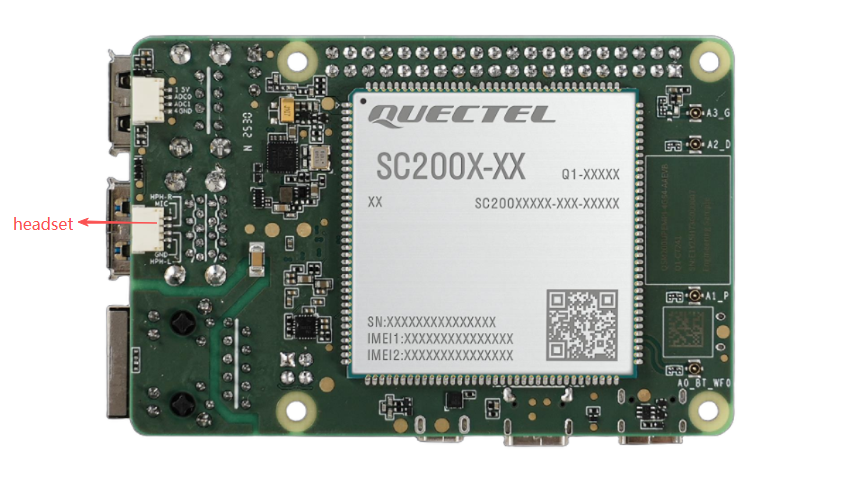
Quectel Pi M1 supports headset audio interface.
Audio parameter settings
- Swipe up from the desktop to enter the menu interface and open "Settings".
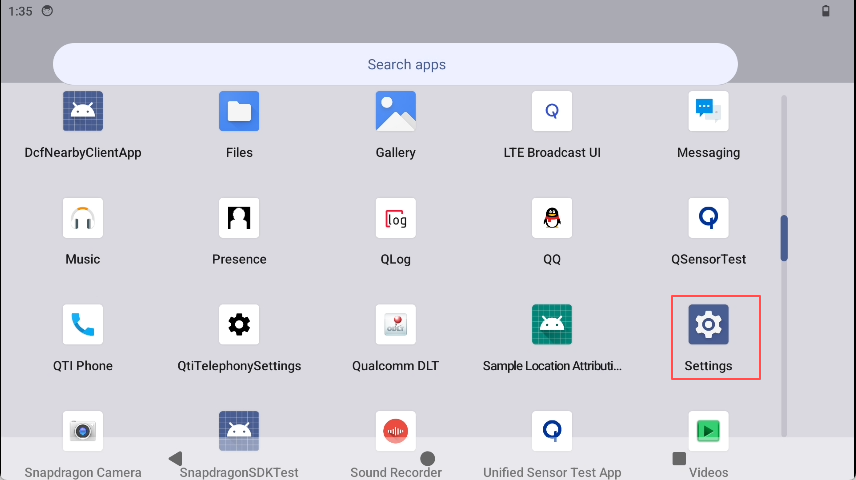
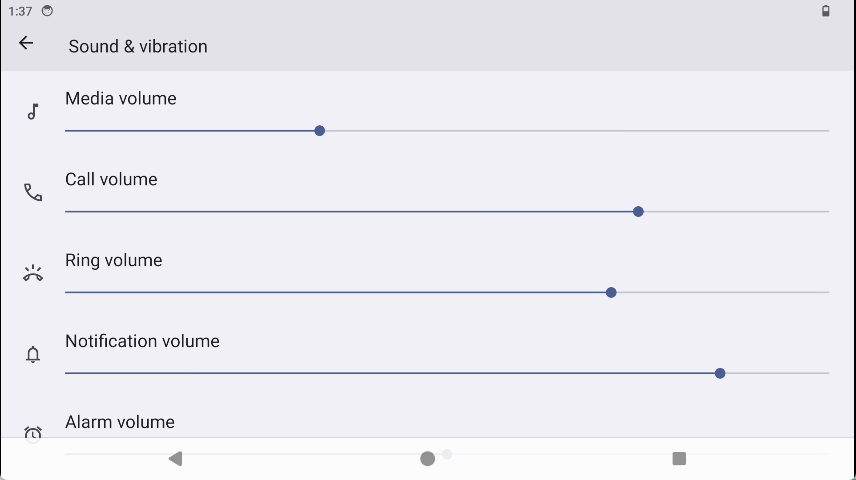
2. Click "Sounds & vibration" tab for configuration.
Network settings
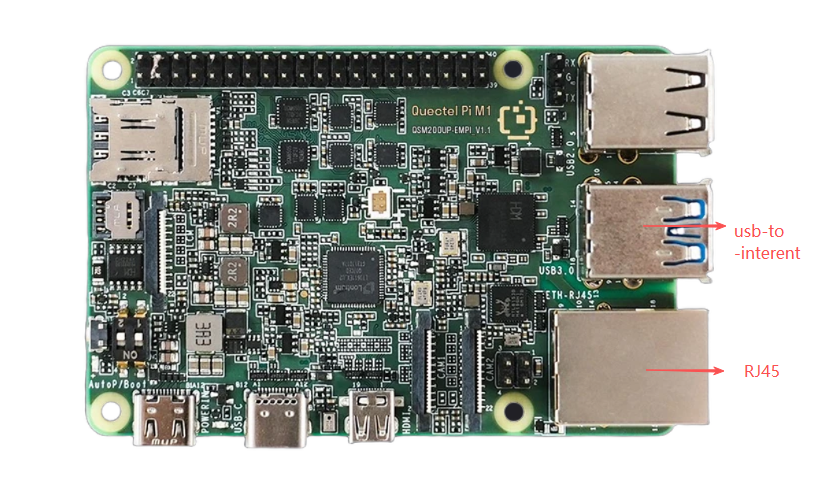
This section introduces the network interfaces and setup methods for the Quectel Pi M1.
Wi-Fi network
Preparation
Prepare a Wi‑Fi hotspot that can connect to the internet.
Software configuration
- Swipe down from the Android desktop to access the status bar, then click the arrow next to Wi-Fi.
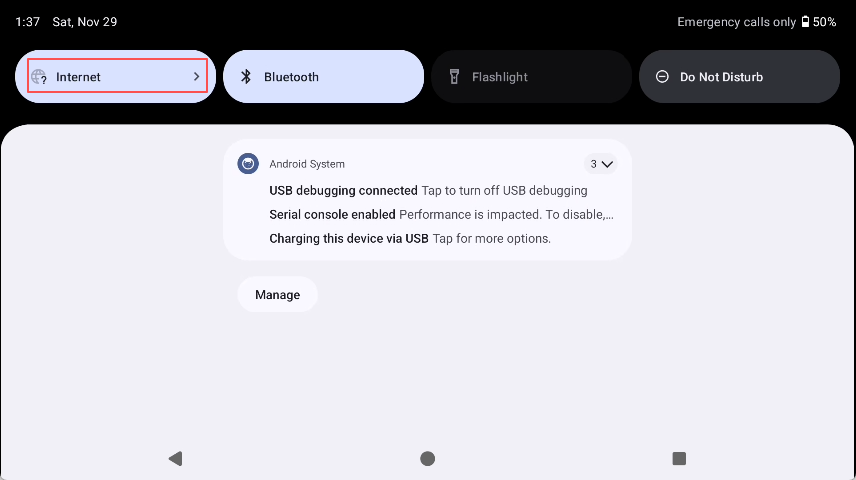
2. Click "All" and select the desired wireless network.
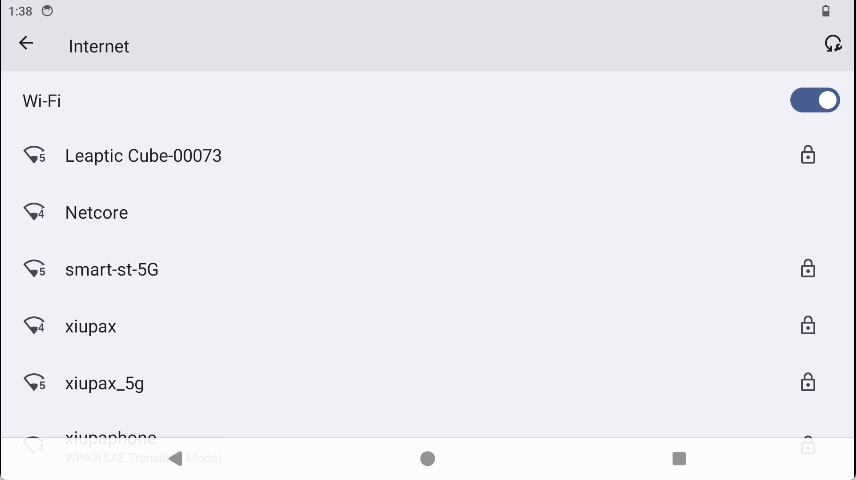
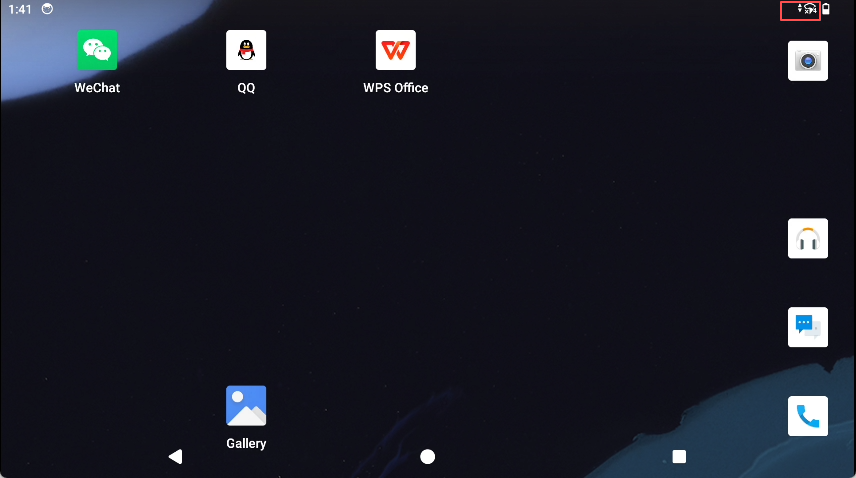
3. After successful connection, the Wi-Fi connection icon will appear in the upper right corner.
View network information
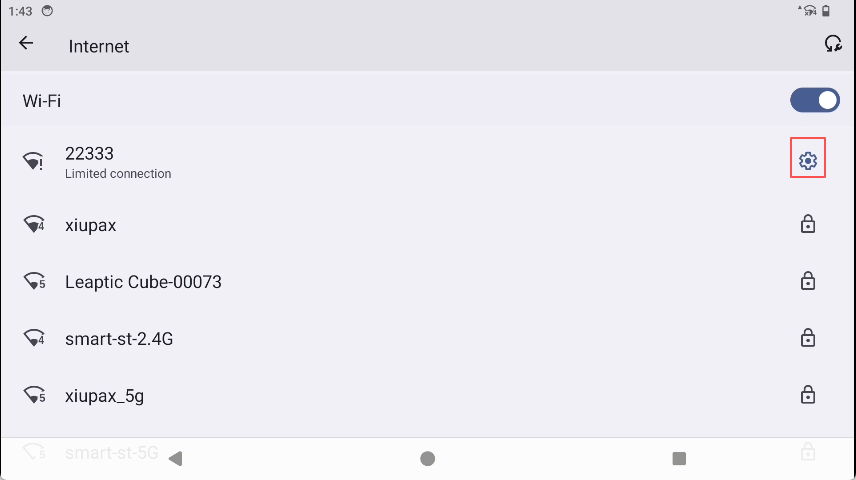
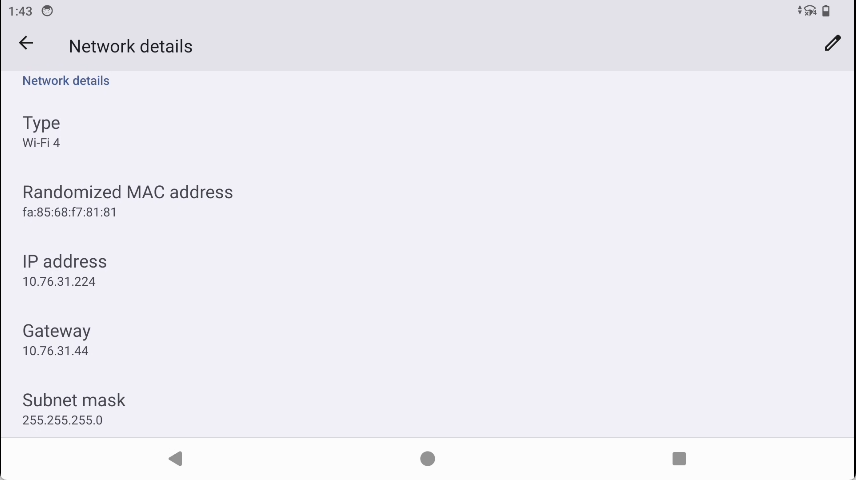
Click the option button on the right side of the connected wireless network to view related network information.