
MIPI camera - IMX219
This document details the identification and connection methods for the MIPI CSI camera interface on the Quectel Pi M1 smart single-board computer. It uses the IMX219 camera module as an example to provide functional guidance and solutions to common issues.
Hardware interface
The Quectel Pi M1 smart single-board computer supports two MIPI CSI camera interfaces, as shown in the figure below:
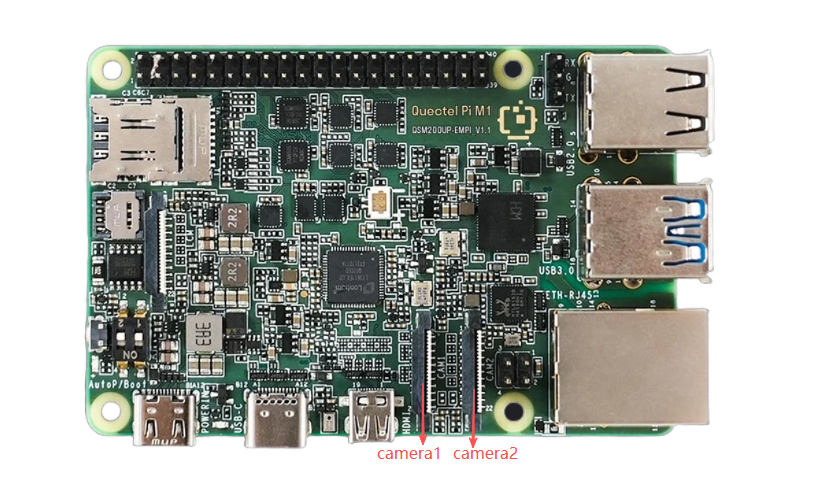
Camera interface location
Quick start
- Connect the camera according to the figure below. When connecting, lift up the black latch part of the connector, insert the FPC cable into the first CSI slot, making sure the gold fingers face the metal contact surface inside the board. Press down the latch and confirm that the FPC cable is stable and not loose.
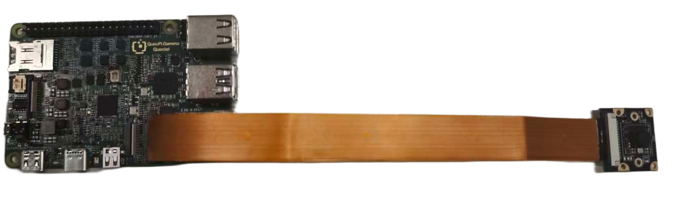
Effect of camera connection
- Refer to Display configuration to connect the display.
Function usage
Preview
All configurations and parameters required for the IMX219 camera are already integrated in the kernel. The specific operation steps are: connect the camera to the Quectel-Pi-M1, then power on -> Android desktop -> camera -> camera interface.
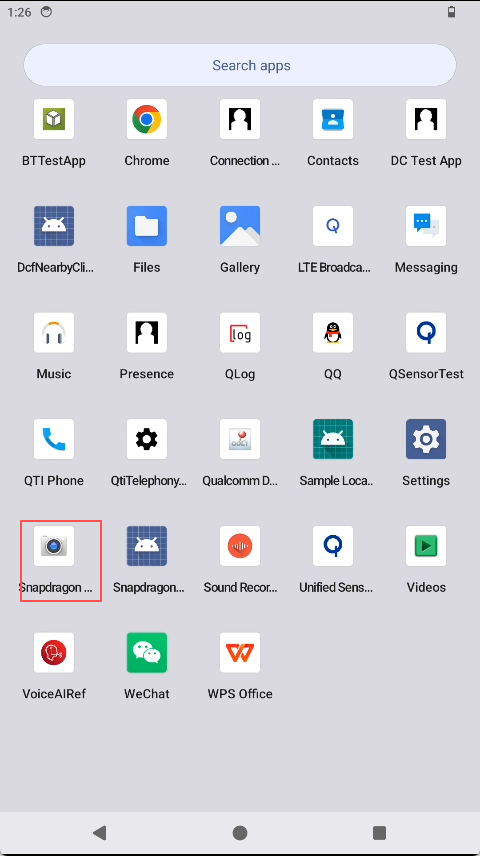
Camera location
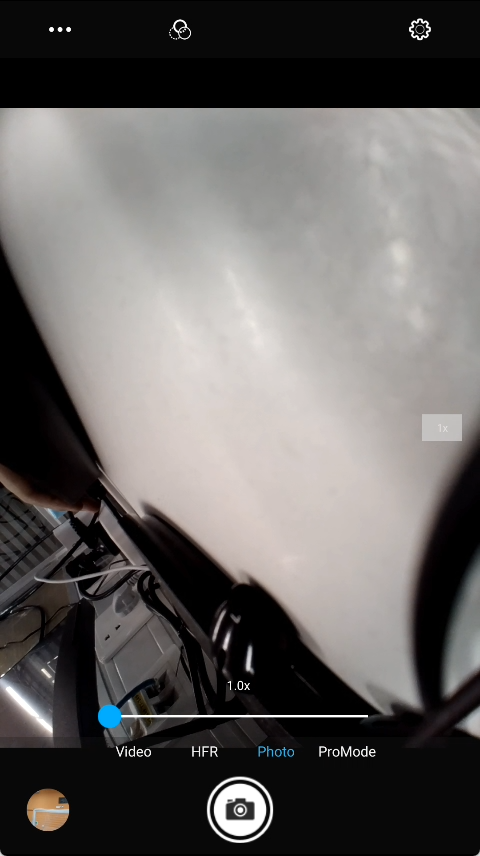
Camera interface
Video recording
Operation steps: camera interface -> tap to record -> start recording video -> save to album. The recorded video files can also be found through the file system.
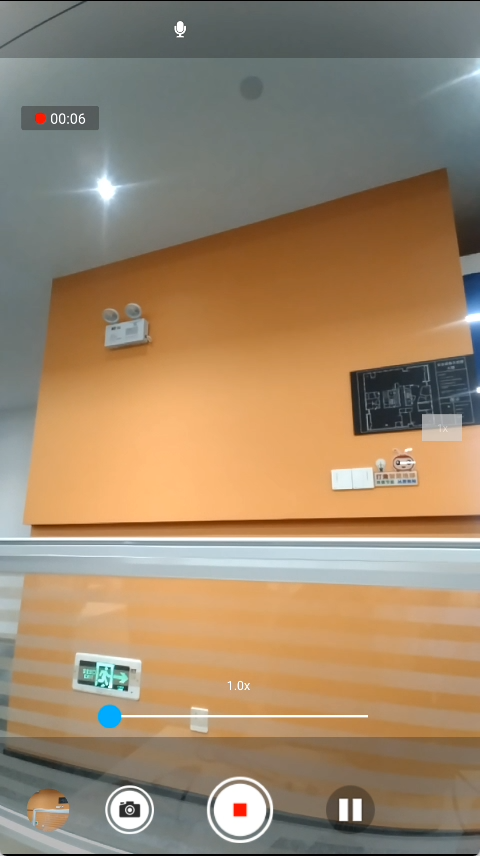
Video recording interface
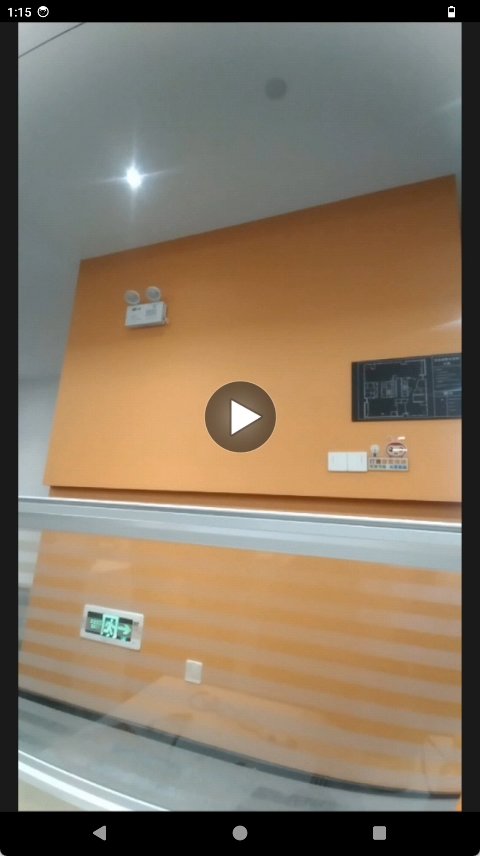
Video storage location
Taking photos
Operation steps: camera interface -> tap to take photo -> take photo -> save to album. Photo files can also be found through the file system.
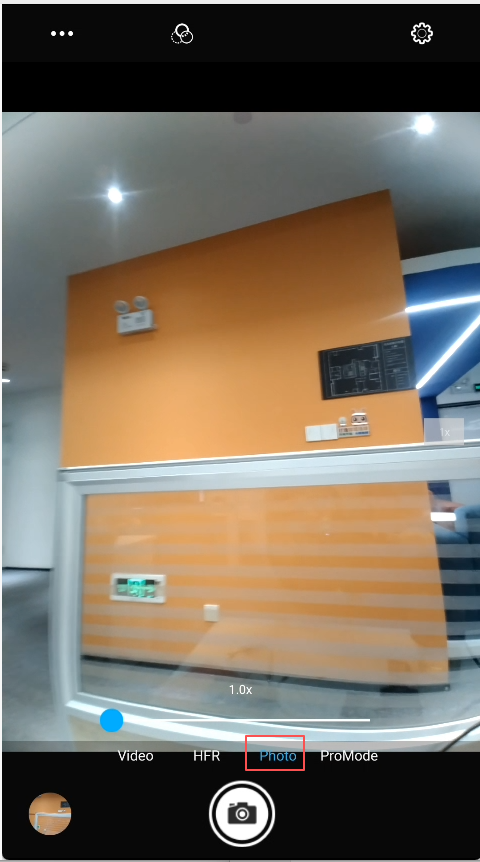
Photo capture interface
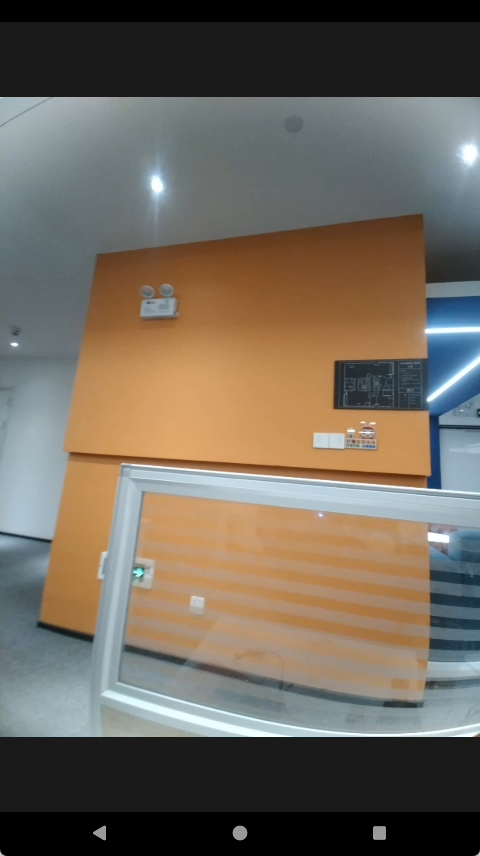
Photo storage location