
Efficiency and office
This chapter introduces the installation and usage methods of common applications such as social and office software on the Quectel Pi M1 smart single-board computer.
Preparation
This chapter requires a network connection, which can be done using any of cellular, Wi-Fi or Ethernet methods. Please refer to Network configuration chapter for the detailed connection methods.
The native Android system does not have a browser, so you need to download a browser APK file, push it to the development board, and install it.
Social applications
- Download the installation package.
- Visit the WeChat official website to download.
- Install the software package.
- After downloading the installation package from the official website, click to install.
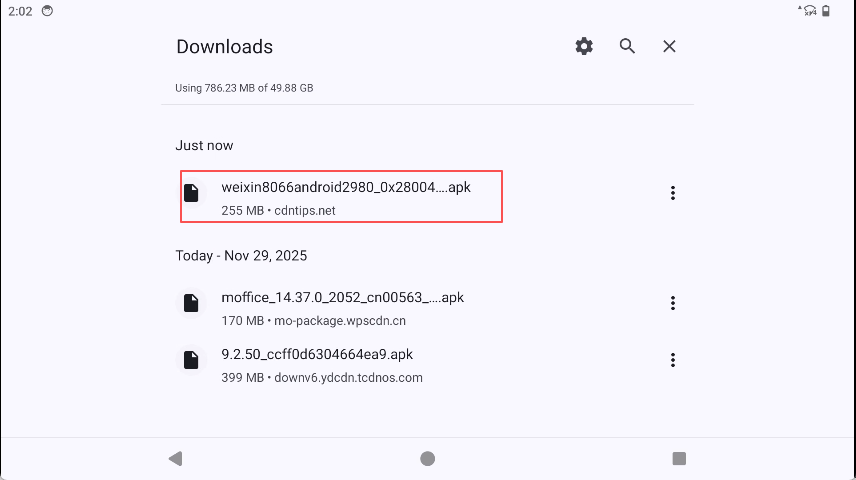
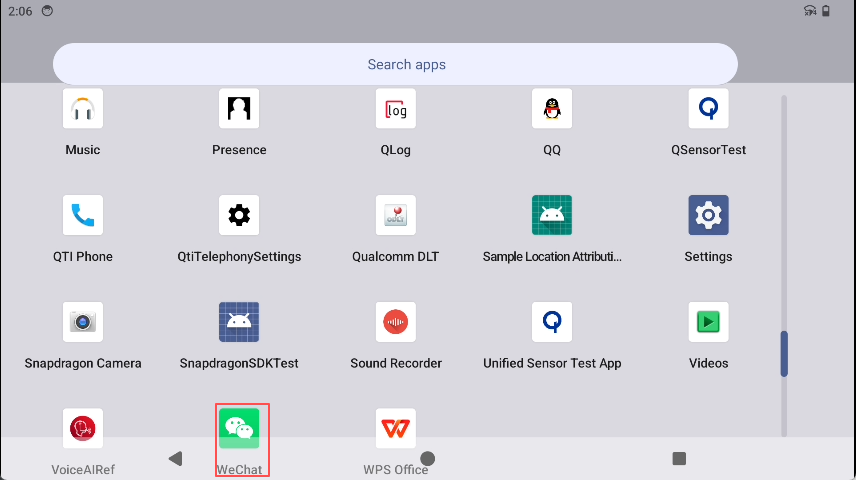
- After installation, a WeChat shortcut icon will appear on the Android desktop.
- Run WeChat.
- Double-click the WeChat shortcut icon with the mouse to run it.
Tencent QQ
- Download the installation package.
- Visit the QQ official website to download.
- Install the software package.
- After downloading the installation package from the official website, click to install.
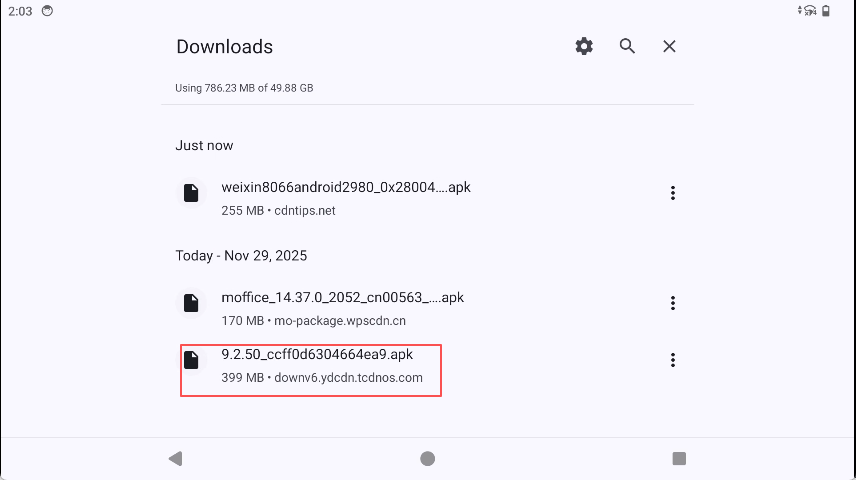
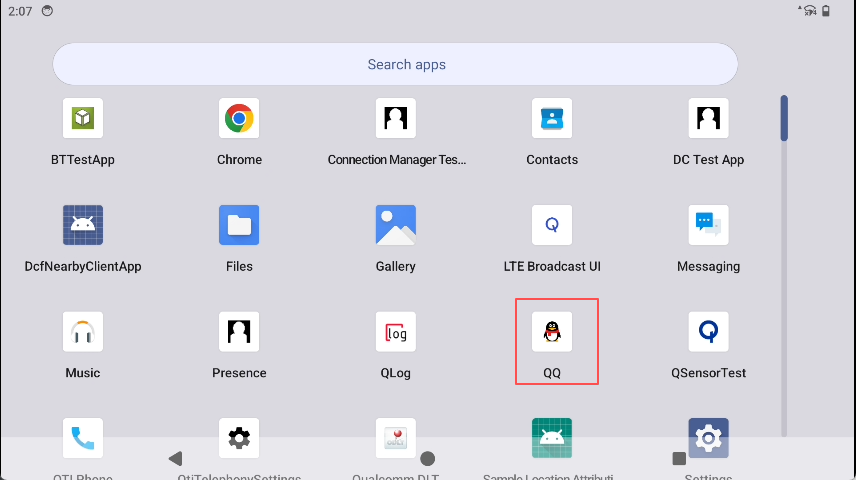
- After installation, a QQ shortcut icon will appear on the Android desktop.
- Run QQ.
- Double-click the QQ shortcut icon with the mouse to run it.
Office applications
The native Android system does not come with any office applications pre-installed, and you need to download and install them from the browser's official website.
WPS
- Download the installation package.
- Visit the WPS official website to download.
- Install the software package.
After downloading the installation package from the official website, click to install.
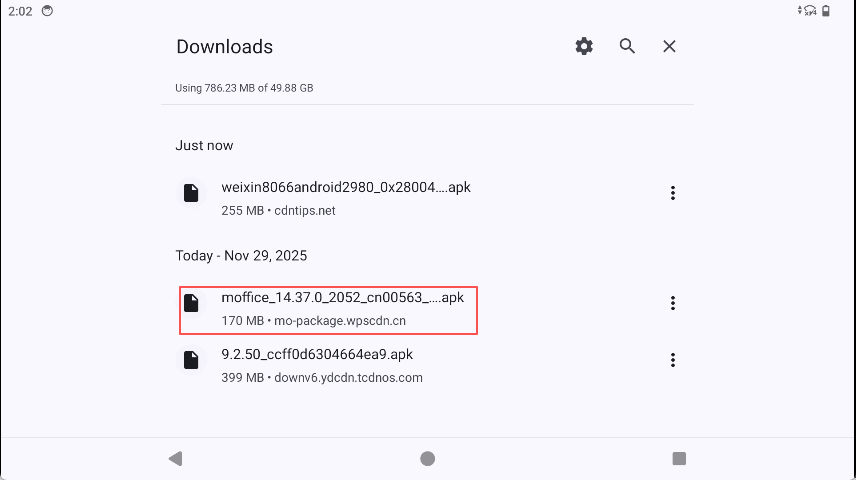
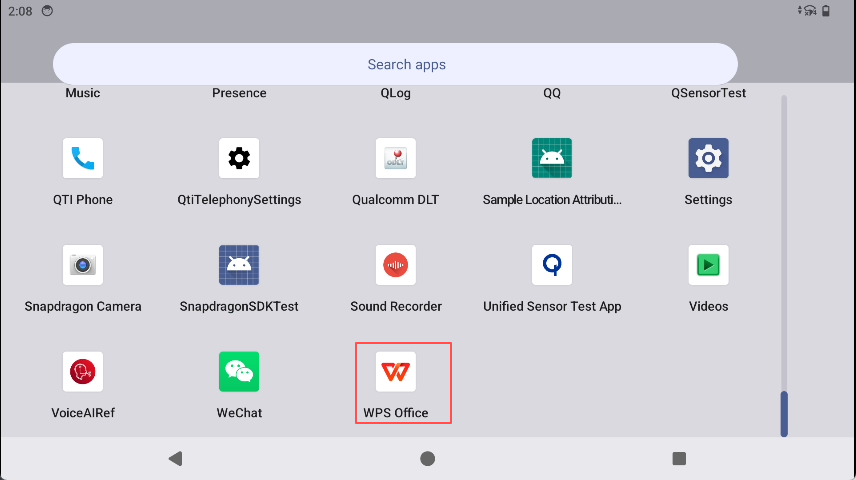
- After installation, a WPS shortcut icon will appear on the Android desktop.
- Run WPS.
- Double-click the WPS shortcut icon with the mouse to run it.
Common services
Media Scanner
Media Scanner is a background service in the Android system that scans media files (such as photos, music and videos) stored on the device and adds them to the system's MediaStore database, so that apps like albums and music players can discover and display these files.
- Prerequisites
- New images or music have been written to the sdcard directory via ADB, OTG or programs, but the album or music app cannot display these files.
- Usage
- Use am broadcast command to send scan broadcasts:
#Scan a single file
adb shell am broadcast -a android.intent.action.MEDIA_SCANNER_SCAN_FILE \
    -d file:///sdcard/your_folder/your_file.jpg

#Scan the entire directory
adb shell am broadcast -a android.intent.action.MEDIA_SCANNER_SCAN_FILE \
    -d file:///sdcard/DCIM/Camera/
scrcpy
scrcpy is an open-source Android screen mirroring tool that can stream the real-time screen of a mobile phone to a PC and supports controlling the device via mouse and keyboard.
- Prerequisites
- Usage
- Open the ADB tool, connect to the development board, and open the ADB terminal.
- Open the scrcpy tool.
- Enter the scrcpy command to start scrcpy.
.\scrcpy.exe -m 860