
System login
2026-02-28
After installing the system, initial setup information needs to be set in "Settings" during the first boot.
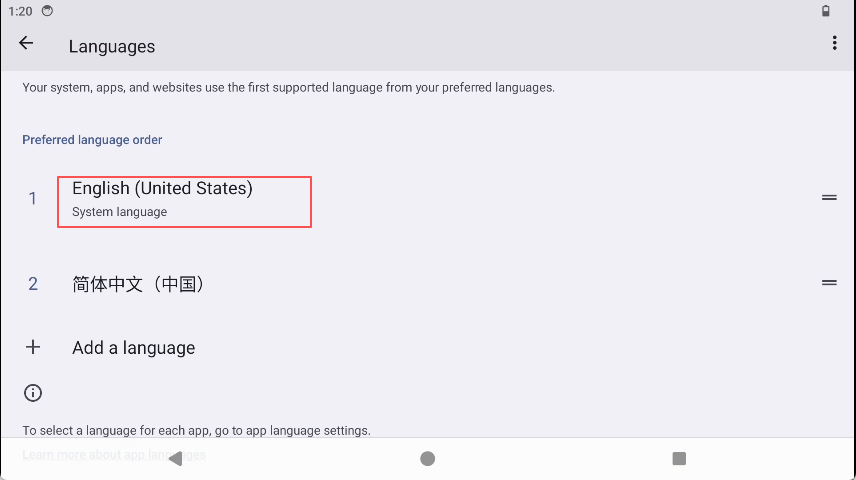
- Select a language.
Navigate to "Settings"->"System"->"Languages" and select the language you need.
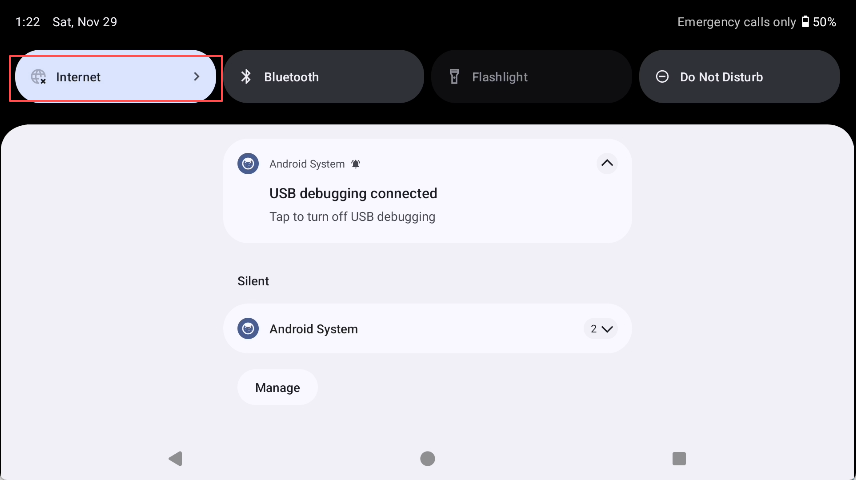
- Select the Wi-Fi connection. You can skip if not connecting now.
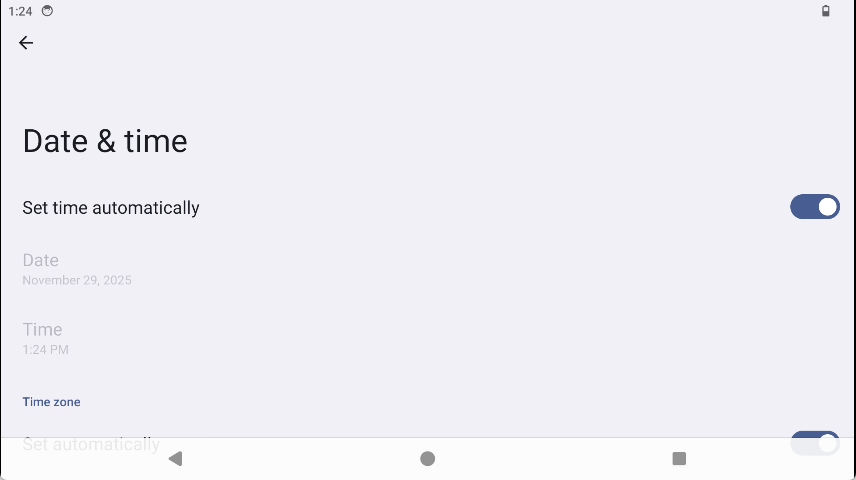
- Set the time zone.
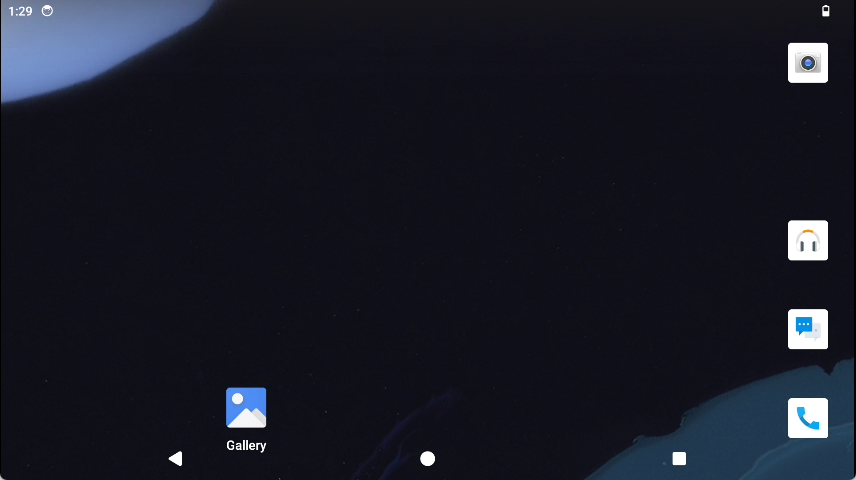
- Desktop display.
For other detailed settings, please refer to User manual chapter.
After logging in, the desktop will be displayed as shown below: